NGN
NGN  change the rate and this description to the right values (USD $)


Description
Product Description:
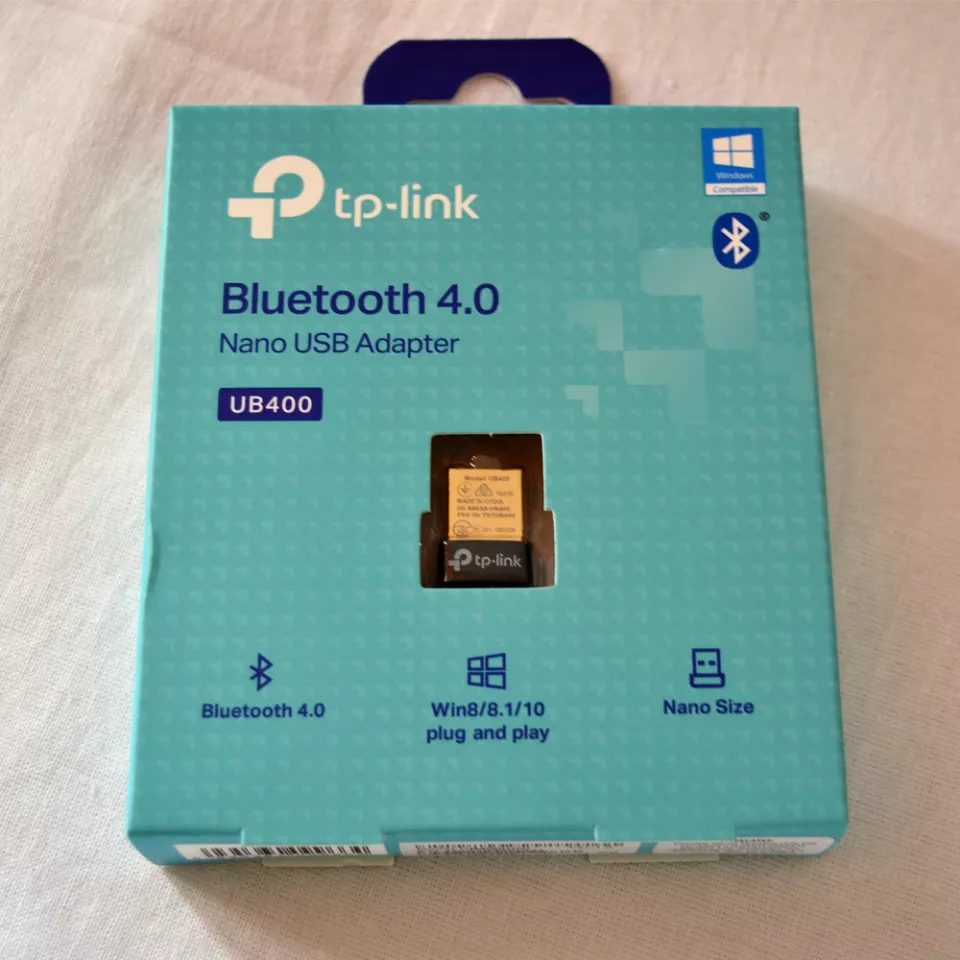
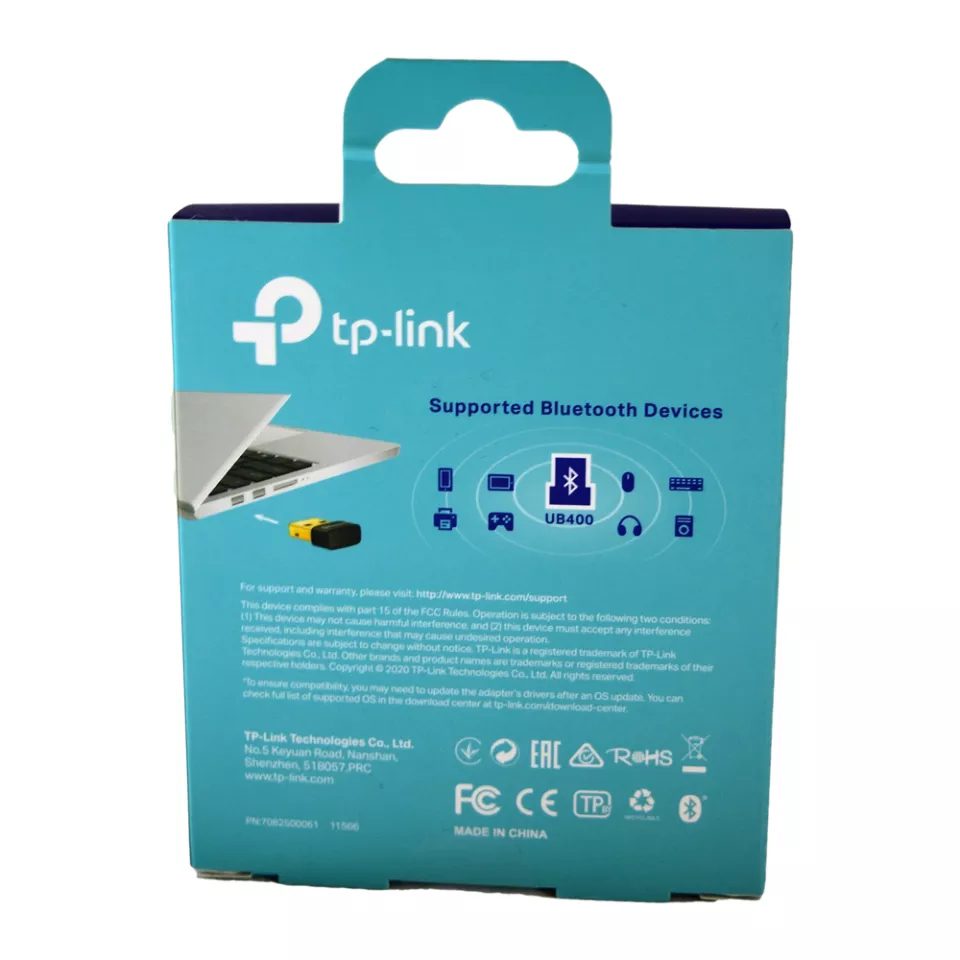
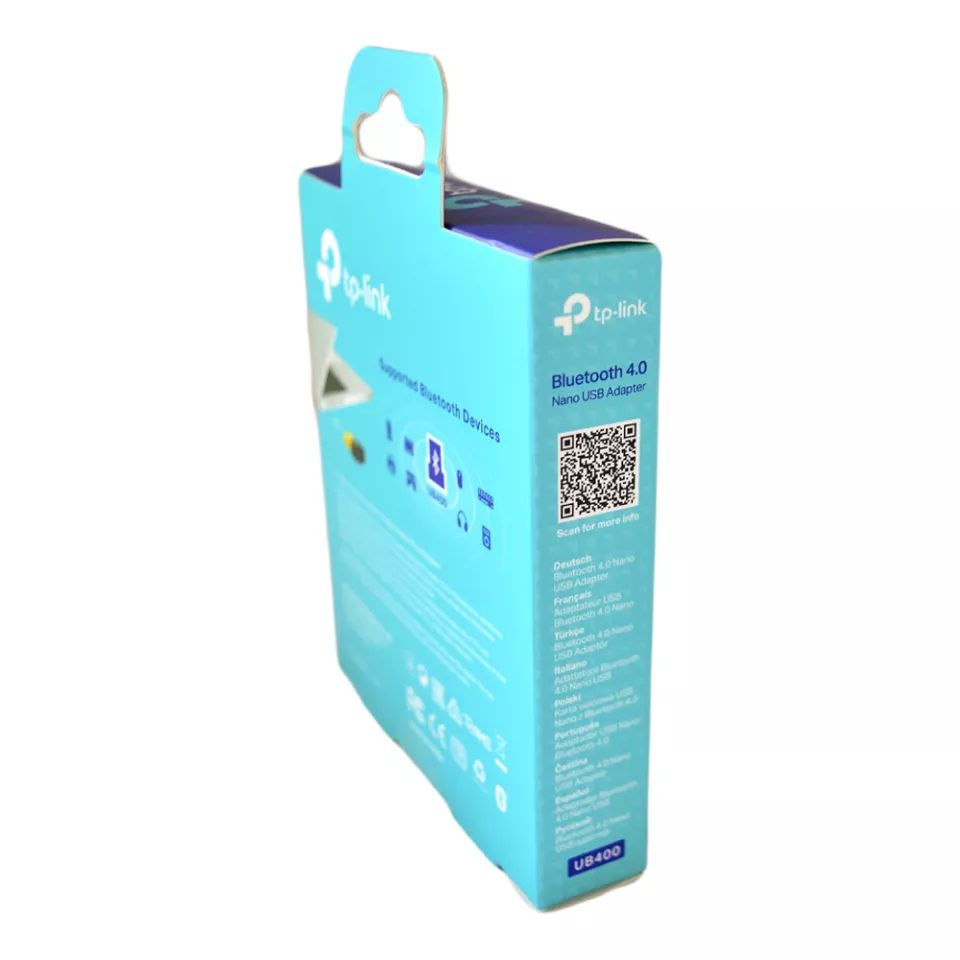
Enjoy seamless wireless connectivity with the TP-Link Nano USB Bluetooth 4.0 Adapter. Designed for convenience and performance, this ultra-compact adapter enables Bluetooth functionality on compatible Windows computers, allowing you to connect a wide range of Bluetooth devices without the need for built-in Bluetooth hardware.
Its nano-sized design allows it to remain plugged into your computer without obstructing other ports, making it ideal for home, office, gaming, and business environments. Whether you’re transferring files, connecting wireless accessories, or streaming audio, this adapter delivers stable and efficient Bluetooth performance.
Key Features
- Bluetooth 4.0 technology
- Ultra-compact nano design
- Plug-and-play installation
- Backward compatible with Bluetooth 3.0, 2.1, and 2.0 devices
- Stable wireless connection
- Low power consumption
- Supports multiple Bluetooth devices
- Convenient and portable
Benefits
- Adds Bluetooth functionality to PCs and laptops
- Connect wireless headphones and speakers
- Pair Bluetooth keyboards and mice
- Transfer files wirelessly between devices
- Compact design stays connected without interference
- Easy installation and setup
Compatibility
Compatible with:
- Windows Desktop PCs
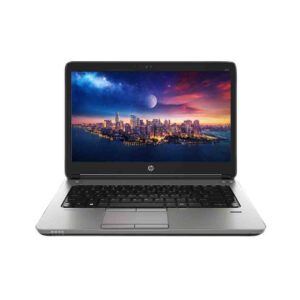
- Windows Laptops
- Bluetooth Headphones
- Bluetooth Speakers
- Wireless Keyboards
- Wireless Mice
- Smartphones and Tablets
- Game Controllers
- Other Bluetooth-enabled devices
Ideal For
- Desktop computer upgrades
- Laptop Bluetooth connectivity
- Wireless audio streaming
- Office and home use
- Students and professionals
- Gaming setups
Package Contents
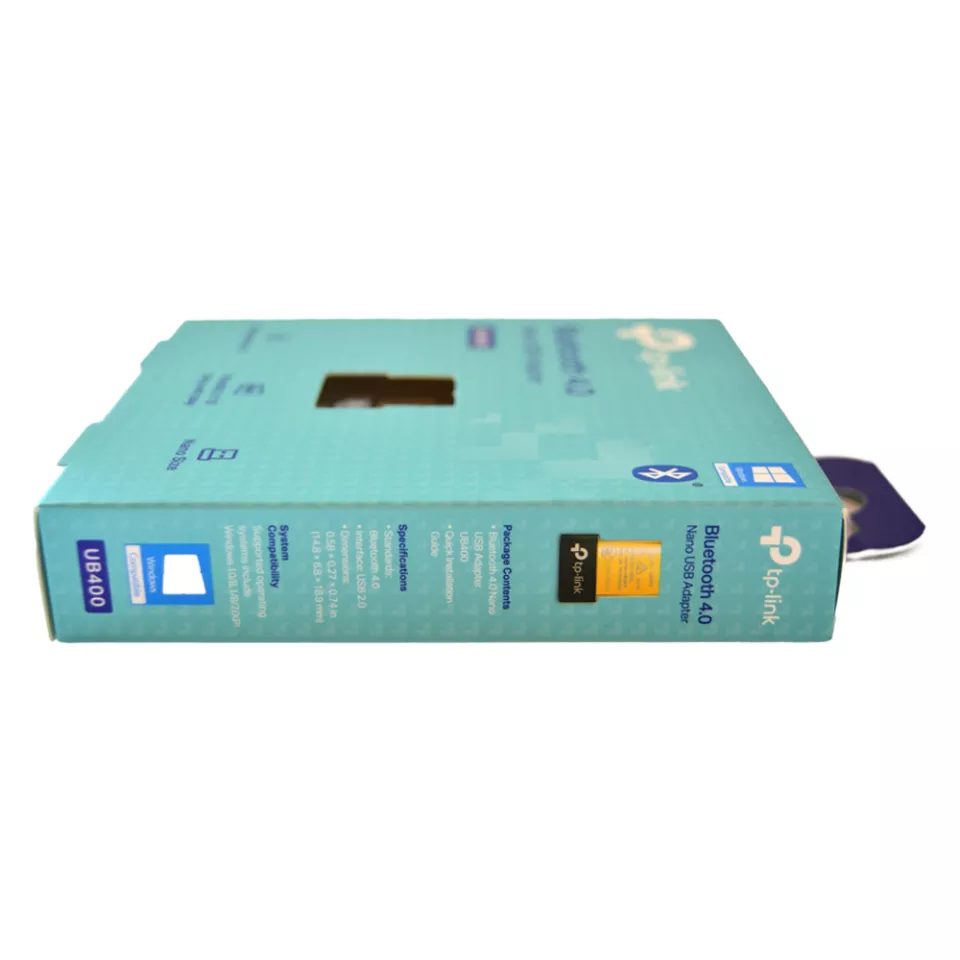
- 1 × TP-Link Nano USB Bluetooth 4.0 Adapter
- User Guide
Important Note
Please verify your operating system compatibility before purchasing. Driver installation may be required depending on your system configuration. Bluetooth range and performance may vary based on environmental conditions and connected devices.